Free Macro Calculator for Weight Loss: Lose Fat Without Guesswork
If you’ve ever stood in your kitchen wondering whether you’re eating too much or too little, you’re not alone. Most people trying to lose weight focus only on calories. They count every bite, feel guilty about every snack, and still don’t see the results they expect on the scale.
Here’s the part nobody tells you: calories alone don’t tell the full story. What those calories are made of — protein, carbs, and fat — matters just as much, sometimes more. That’s exactly where a macro calculator for weight loss comes in. Whether you call it a macro calculator or a macros calculator for weight loss, the idea is the same: personalized numbers instead of guesswork.
| Ratio | Protein | Carbs | Fat |
|---|
This free tool takes the guesswork out of dieting. Instead of randomly cutting food groups or following a one-size-fits-all meal plan, you get personalized numbers based on your own body, your own goals, and your own lifestyle. No starving. No extreme rules. Just real numbers that work for you.
In this guide, we’ll walk through exactly how macros work, how to use a macro calculator the right way, and how to turn those numbers into real, sustainable weight loss. By the end, you’ll know precisely what to eat — and why.
What Is a Macro Calculator for Weight Loss?
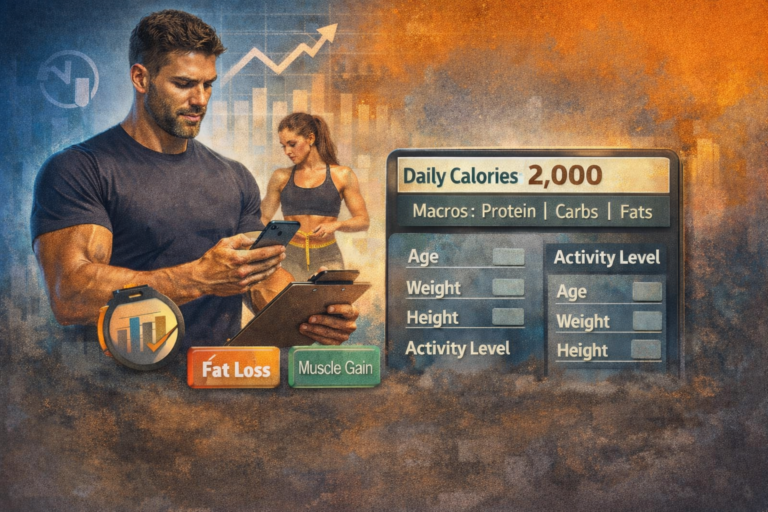
A macro calculator for weight loss is an online tool that estimates how much protein, carbohydrates, and fat you should eat each day to lose weight effectively. It looks at your age, gender, height, weight, and activity level, then turns that information into a daily calorie target — and splits that target into the three macronutrients your body actually needs.
Macros, short for macronutrients, are the three nutrients that make up everything you eat:
Protein builds and repairs muscle and keeps you full longer.
Carbohydrates are your body’s main energy source
Fat supports hormones, brain function, and nutrient absorption.
Unlike a basic calorie counter, a macro calculator goes a step further. It tells you not just how much to eat, but what kind of food to prioritize. This is the same approach used by nutritionists, personal trainers, and dietitians when building real client meal plans.
Why Macros Matter More Than Calories Alone
Two people can eat the exact same number of calories and get completely different results. One eats mostly protein and vegetables. The other eats mostly sugar and processed snacks. Same calorie count, very different outcomes for muscle, hunger, and energy.
This is why focusing only on calories often backfires. Eating too little protein during weight loss can cause your body to burn muscle instead of fat. Eating too much fat without enough protein can leave you hungry all day. A proper macro split fixes both problems at once.
According to the Harvard T.H. Chan School of Public Health, the balance of protein, carbohydrates, and fat in your diet affects everything from hunger levels to long-term weight management success. This is part of why simply “eating less” rarely works in the long term — the composition of your food matters just as much as the quantity.
How to Calculate Your Macros for Weight Loss — Step by Step
Using a macro calculator takes less than a minute. Here’s exactly how to calculate macros for weight loss, step by step, so you get accurate numbers every time.
Step 1: Enter Your Basic Details
Start with the simple stuff:
- Age
- Gender
- Height
- Current weight
- Activity level (sedentary, lightly active, moderately active, or very active)
Be honest about your activity level. If you sit at a desk all day and only go to the gym three times a week, you’re “lightly active” — not “very active.” Overestimating this step is the most common reason people get inaccurate results.
Step 2: Select Your Goal
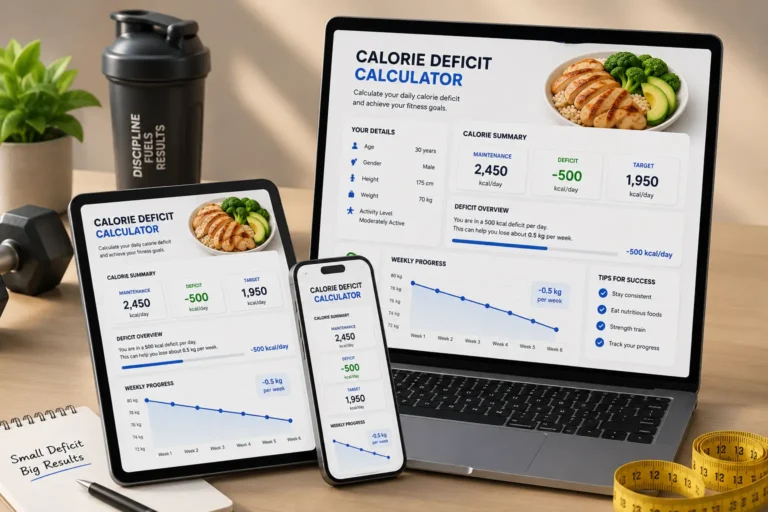
Choose “fat loss” or “weight loss” as your goal. The calculator will automatically apply a calorie deficit — usually around 15 to 20 percent below your maintenance calories. This range is considered safe and sustainable, unlike extreme deficits that often lead to muscle loss and fatigue.
Step 3: Get Your Results
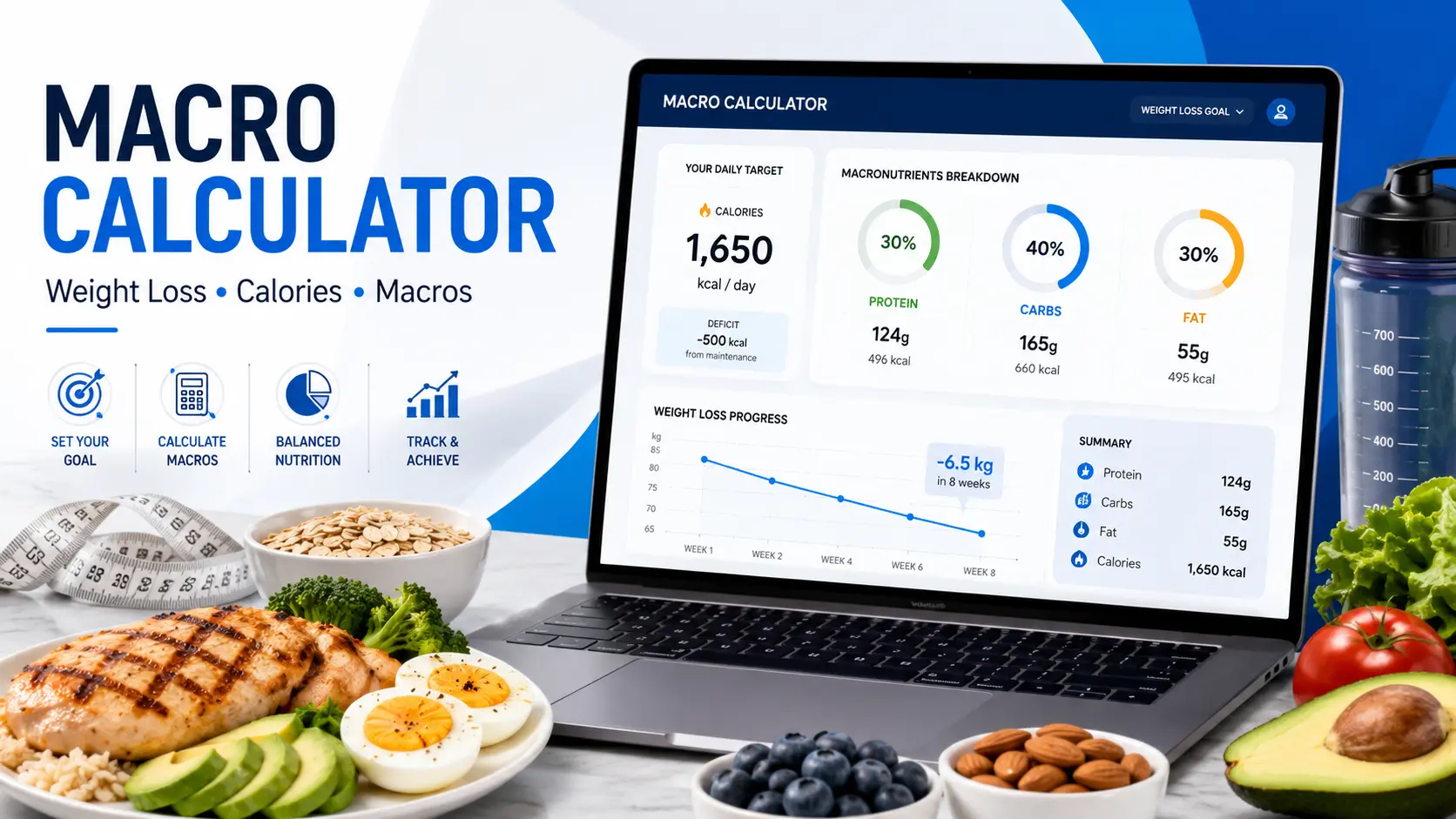
The macro calculator for weight loss will instantly show you:
- Your total daily calorie target
- Your protein target in grams
- Your carbohydrate target in grams
- Your fat target in grams
These numbers become your daily roadmap. You don’t need to hit them perfectly every single day — getting close consistently is what actually drives results.
Step 4: Track and Adjust
Use a food tracking app to log your meals against these targets for the first two to three weeks. After that, recalculate your macros every time your weight changes by two to three kilograms, since your calorie needs shift as your body changes.
The Best Macro Split for Weight Loss
There’s no single “perfect” macro ratio for weight loss that works for everyone, but research and real-world results point to a few reliable ranges. If you want to calculate macros for weight loss accurately, the starting point is always the same three numbers below.
Protein is calculated first because it’s the most important macro during weight loss. It protects your muscle while you’re in a calorie deficit, keeps you feeling full, and even burns slightly more calories during digestion compared to carbs or fat.
Fat comes next. It needs to stay high enough to support hormone production, but not so high that it eats up calories you could be using for protein or workout energy.
Carbohydrates fill in whatever calories are left. This is why carb targets vary so much from person to person — someone with a high protein and moderate fat target will naturally have fewer carbs than someone with lower protein needs.
Macro Calculator for Weight Loss: Female vs Male Differences
Men and women often need different macro splits, mainly due to differences in body composition and hormone patterns.
For women, calorie targets are usually lower simply because of smaller average body size and different metabolic rates. Protein recommendations stay just as important — many nutrition coaches recommend the higher end of the protein range (around 2.0–2.2g per kg) during weight loss to help preserve lean muscle through hormonal fluctuations across the month.
For men, calorie and protein targets are typically higher due to greater average muscle mass and higher baseline calorie needs. A man trying to lose fat while keeping muscle should also prioritize protein at the higher end of the range, alongside resistance training.
In both cases, the underlying formula is the same — it’s just the numbers that shift based on body size, activity, and goals.
Weight Loss Macronutrient Guide
| Macronutrient | Recommended Range for Weight Loss |
|---|---|
| Protein | 1.6–2.2 g/kg of body weight |
| Fat | 20–30% of total daily calories |
| Carbohydrates | Remaining calories after protein and fat |
Macro Calculator for Weight Loss and Muscle Gain — Can You Do Both?
This is one of the most common questions people ask, and the honest answer is: it depends on your starting point.
If you’re new to strength training or returning after a long break, you can often lose fat and build muscle at the same time. This is called body recomposition. The approach is simple: eat at a small deficit or right around maintenance calories, keep protein high, and train consistently with progressive overload.
If you’ve been training for years already, trying to do both at once usually slows down both goals. In that case, it’s more effective to focus on one goal at a time — a dedicated fat-loss phase followed by a separate muscle-building phase.
Either way, the macro calculator adjusts automatically based on whichever goal you select, so you always get numbers that match your actual plan.
Macro Calculator vs Calorie Counting: Which Works Better?
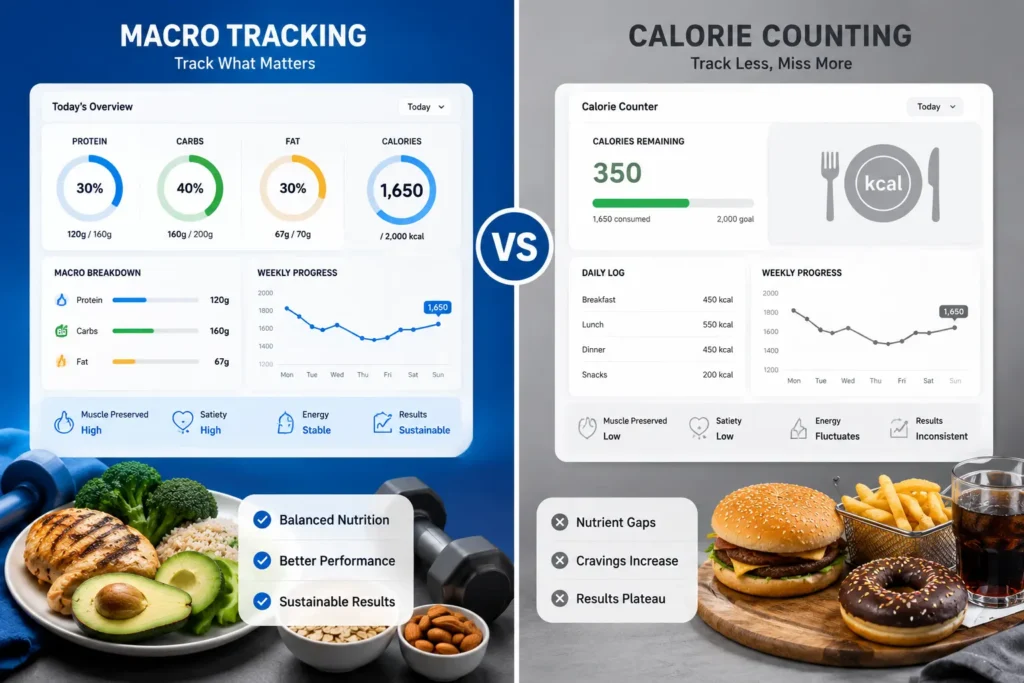
Calorie counting and macro tracking aren’t competing methods — macro tracking is simply a more detailed version of calorie counting.
When you only count calories, you know your total energy intake, but you have no idea whether that energy is coming from protein that builds muscle or sugar that spikes your blood glucose and leaves you hungry an hour later.
When you track macros, you automatically control your calories too, since grams of protein, carbs, and fat convert directly into calories. The difference is that macro tracking also tells you what to eat, not just how much — which leads to better hunger control, more consistent energy, and better long-term adherence.
For most people serious about losing fat sustainably, tracking macros is simply calorie counting with better information built in.
Common Mistakes That Stall Weight Loss
Even with accurate macro numbers, certain habits can quietly sabotage your progress. Watch out for these:
Eating too little protein is the biggest one. Many people focus only on cutting calories and accidentally cut protein in the process, leading to muscle loss rather than fat loss.
Guessing portion sizes instead of measuring is another major issue. A “tablespoon” of peanut butter can easily turn into three tablespoons without a scale, which adds up to hundreds of extra calories a week.
Underestimating liquid calories — sauces, dressings, sugary drinks, and alcohol — is one of the most overlooked mistakes. These can blow past your macro targets without you realizing it.
Expecting the scale to move every single day is also unrealistic. Body weight naturally fluctuates due to water retention, digestion, and hormones. Tracking your weekly average instead of daily numbers gives a far more accurate picture of real progress.
How This Free Macro Calculator Tool Works
This page includes a built-in macro calculator for weight loss that you can use directly — no downloads, no sign-up required.
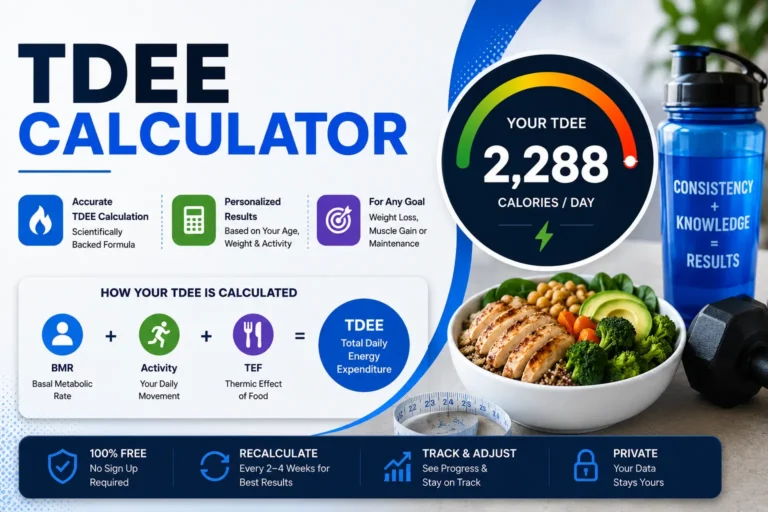
Here’s how it works behind the scenes: once you enter your age, weight, height, gender, and activity level, the tool calculates your Basal Metabolic Rate (BMR) using a well-established formula, then multiplies it by your activity level to estimate your Total Daily Energy Expenditure (TDEE). From there, it applies a moderate calorie deficit suited for fat loss and splits your final calorie target into protein, carbs, and fat based on the ranges discussed earlier in this guide.
The entire process takes under a minute, and you can recalculate as many times as you like — for free, with no limits. Scroll up to the calculator on this page, enter your details, and see your personalized macro breakdown instantly.
Frequently Asked Questions
Final Thoughts
Losing weight doesn’t have to mean constant hunger, confusing diet rules, or guessing your way through every meal. A macro calculator for weight loss gives you something far more useful than willpower alone — it gives you a clear, personalized number to aim for every single day.
Once you know your targets, the rest becomes simple: hit your protein, stay close to your calorie goal, and stay consistent over weeks, not days. That’s the actual formula behind every successful, sustainable weight loss story.
If you’re also working on building strength alongside fat loss, you can check your numbers using the James Smith Muscle Gain Calculator to see how your targets shift when your goal changes.
Use the free macro calculator above to get your personalized numbers and start eating with a clear purpose today.
Ready to find your exact macros?
Stop guessing your protein, carbs, and fat. Use the free macro calculator above and get your personalized weight loss targets in seconds.
- 100% Free
- Under 60 Seconds
- No Sign-Up Needed
No account required. Just your personalized macro targets.